
UK timesheet software with staff rota scheduling and leave management built in — one system, one price.
Build next week's rota, staff clock in against the shifts you assigned, and approved leave feeds straight back into the plan. One system, no re-keying between them.
“TimeTally has been excellent for our business… The system has saved us a significant amount of administration time.”
 Jordan IngoeCLI Manchester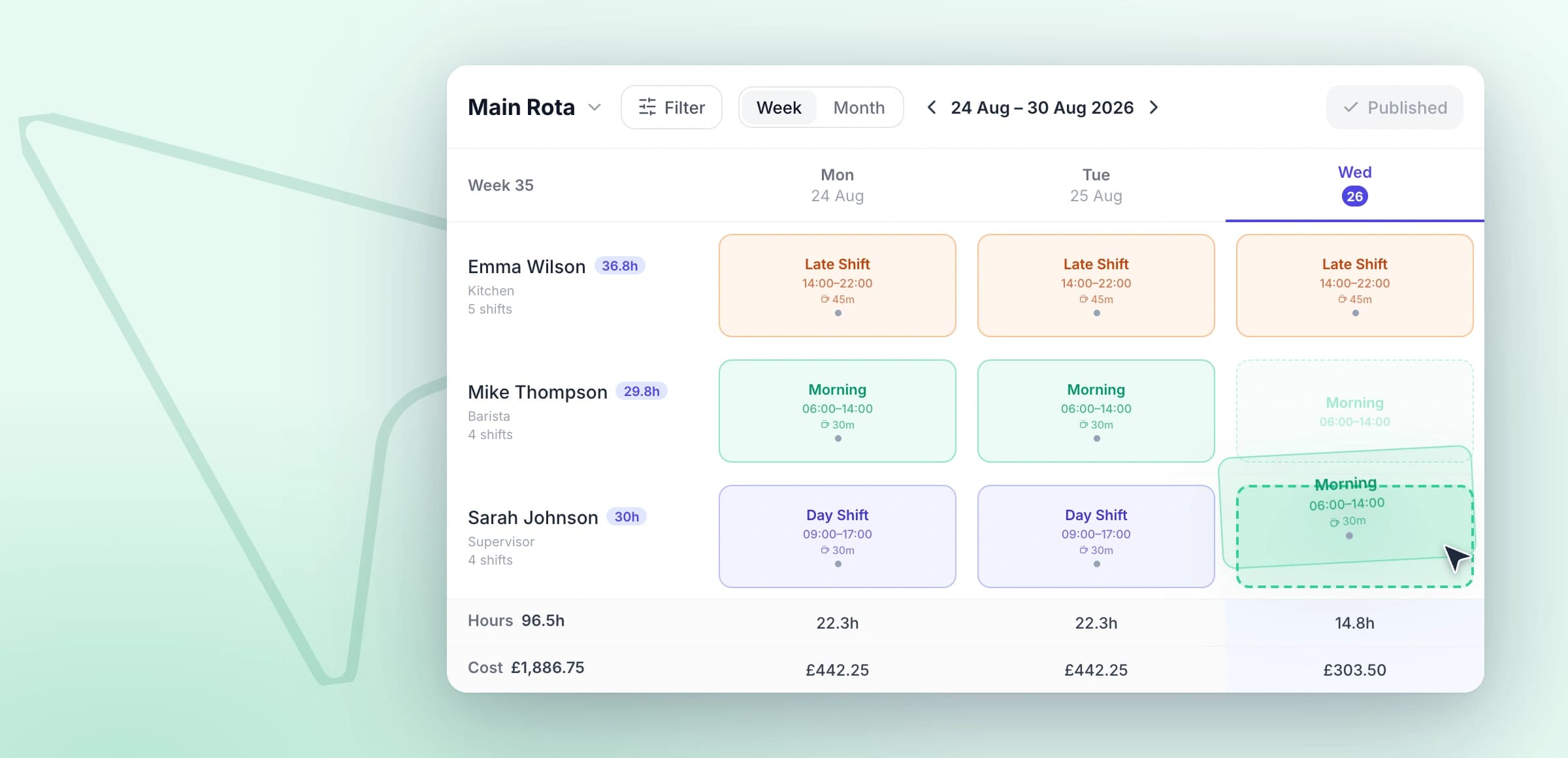
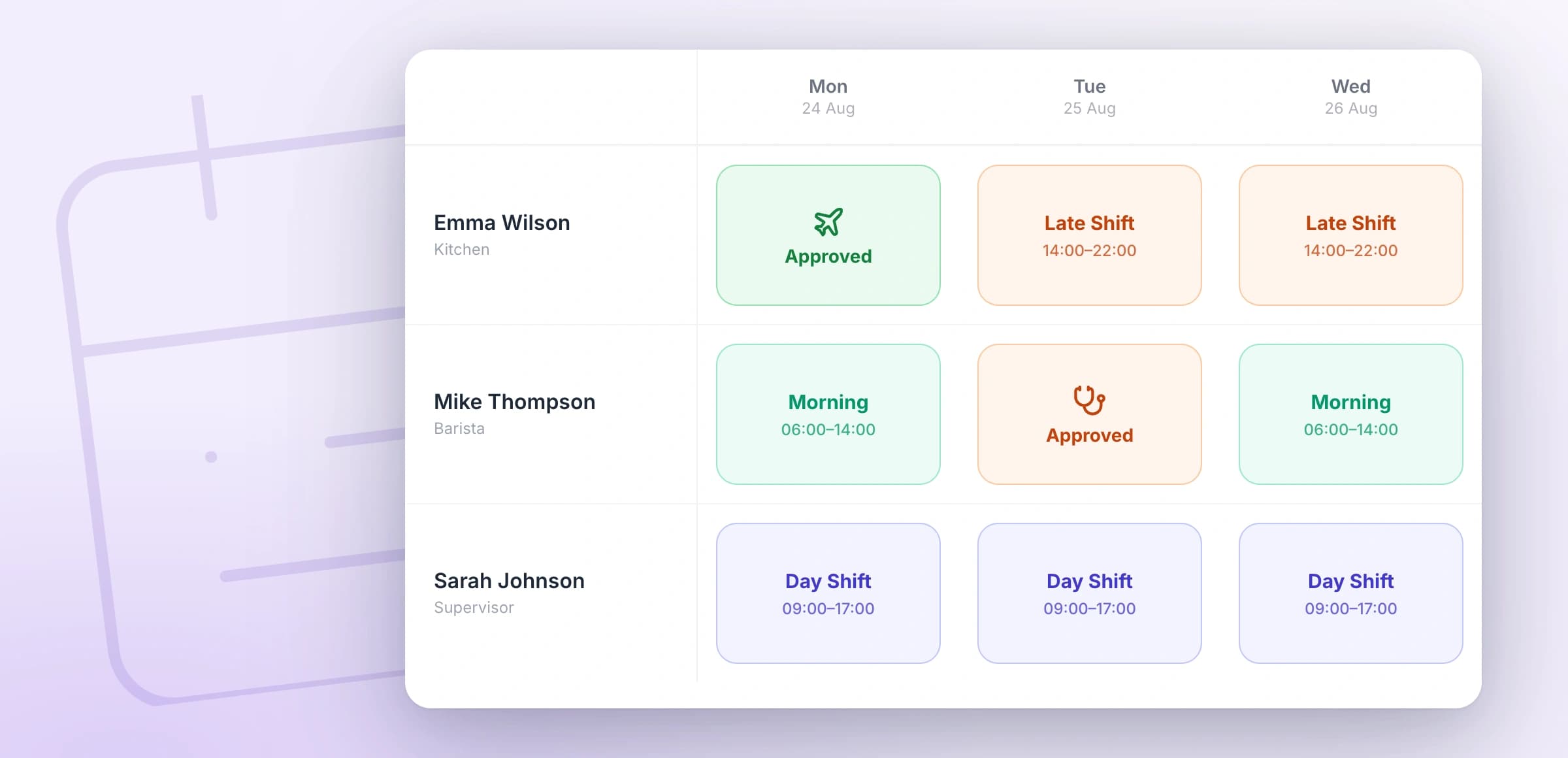


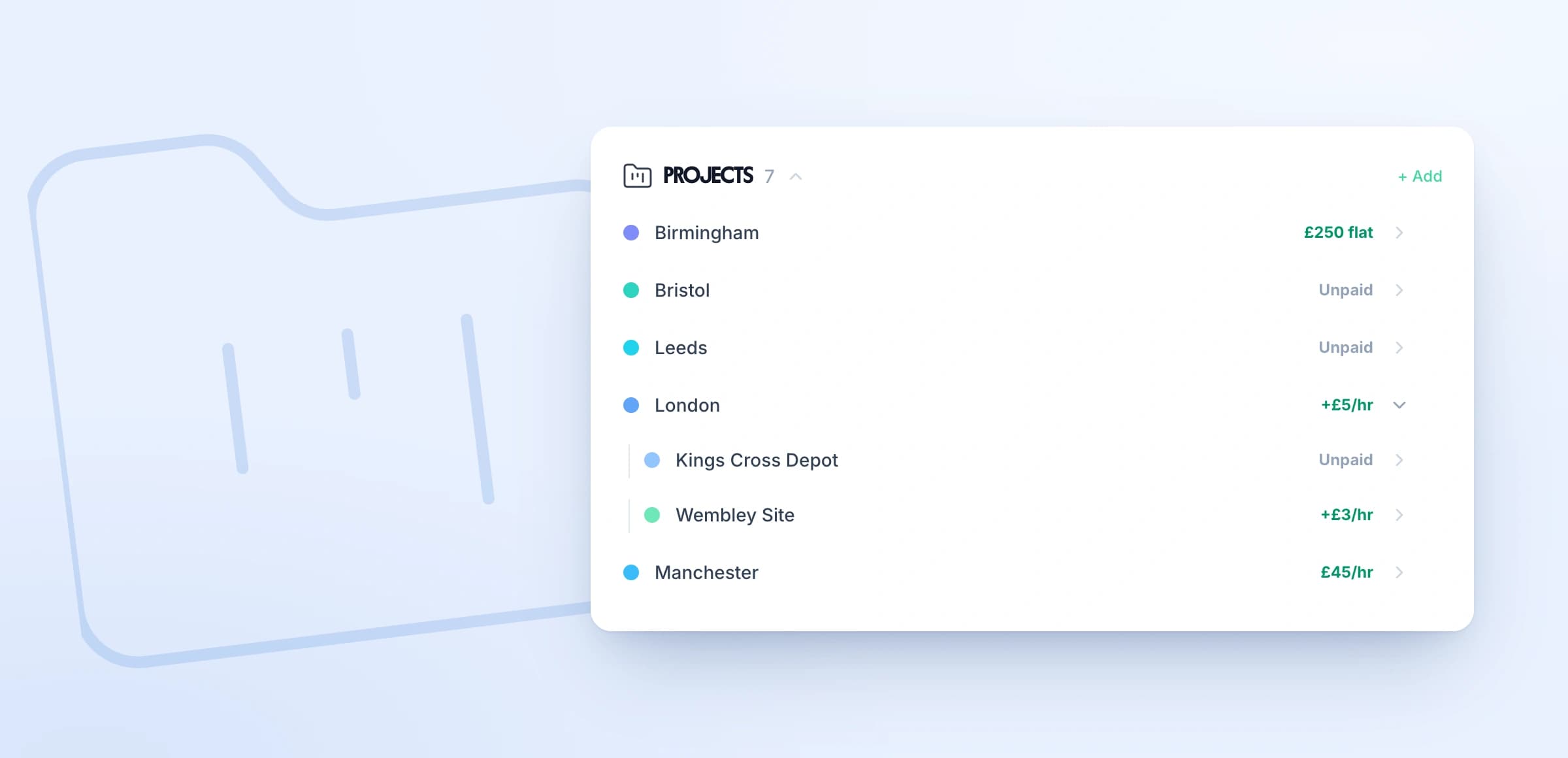

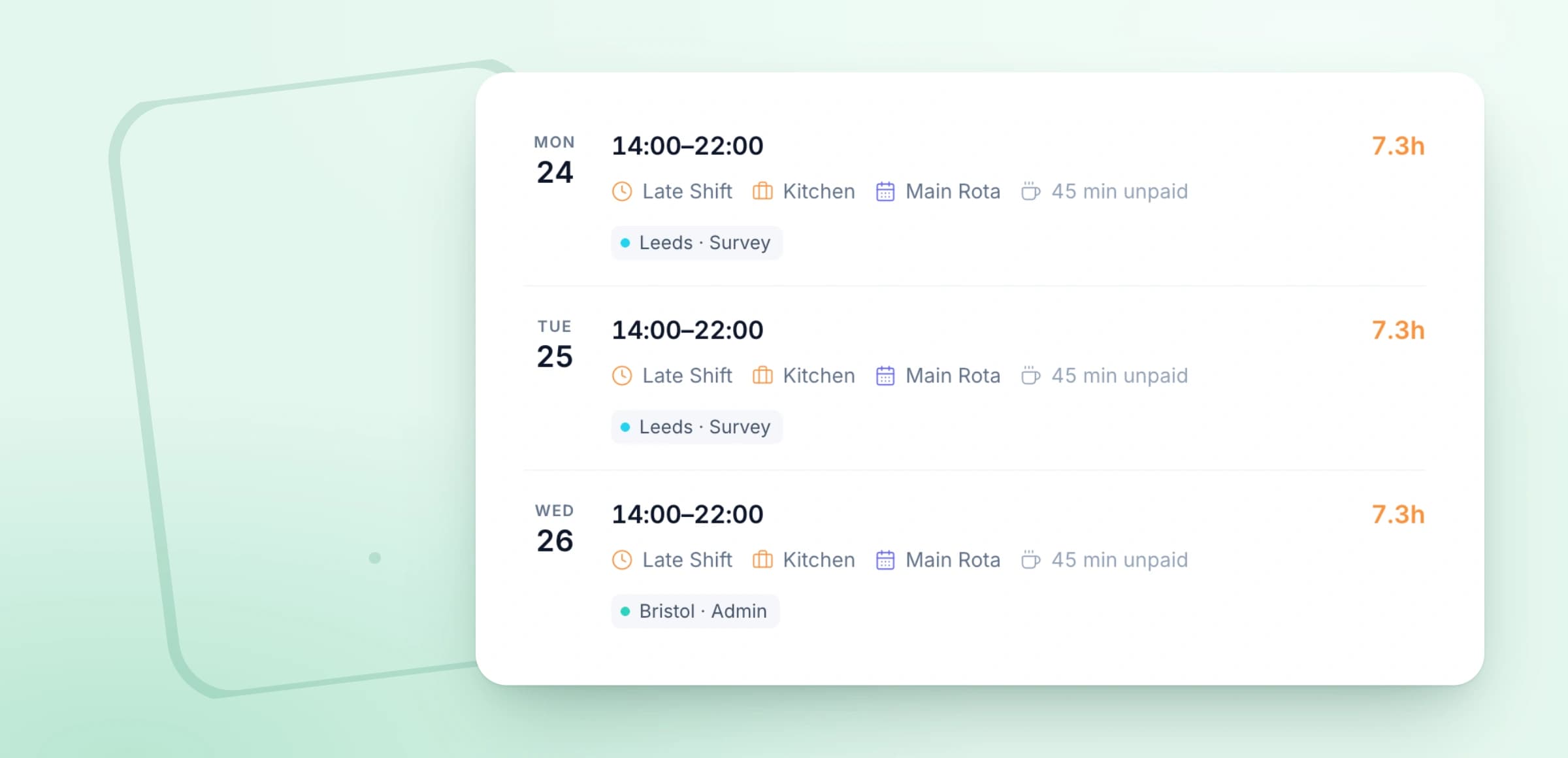
Click an empty cell to create a shift. Drag it to another day, or drop it on a different employee to reassign. Assign shifts across your whole team from one clear, organised view.
Explore rota softwareStaff rota management
Click any feature to learn more.

14-day free trial · No credit card needed
The simple way to run your team
Employees submit timesheets in seconds. Managers approve with one click. Hours flow straight to payroll.
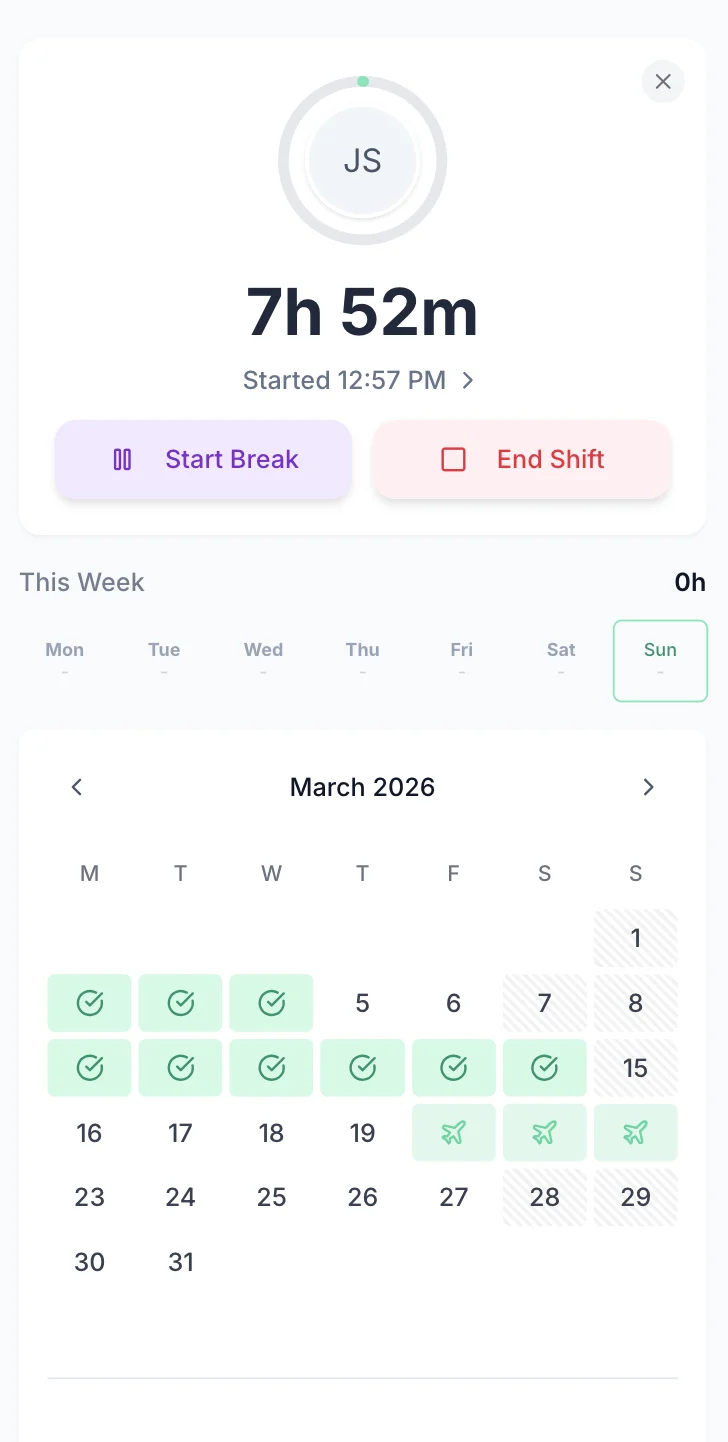
Clock in & out
One-tap tracking from any device. Start and stop timers instantly, from the field or the office.
One-click approvals
Managers review and approve timesheets in seconds — with optional notes or rejection feedback.
Export to payroll
Send approved hours to Xero, QuickBooks, or Excel with one click. No manual re-entry.
Tap any card for the detail.
14-day free trial · No credit card needed
Set up once and TimeTally does the maths. Bank holidays, pro-rata for part-timers, mid-year starters, multiple accrual types — all calculated automatically.
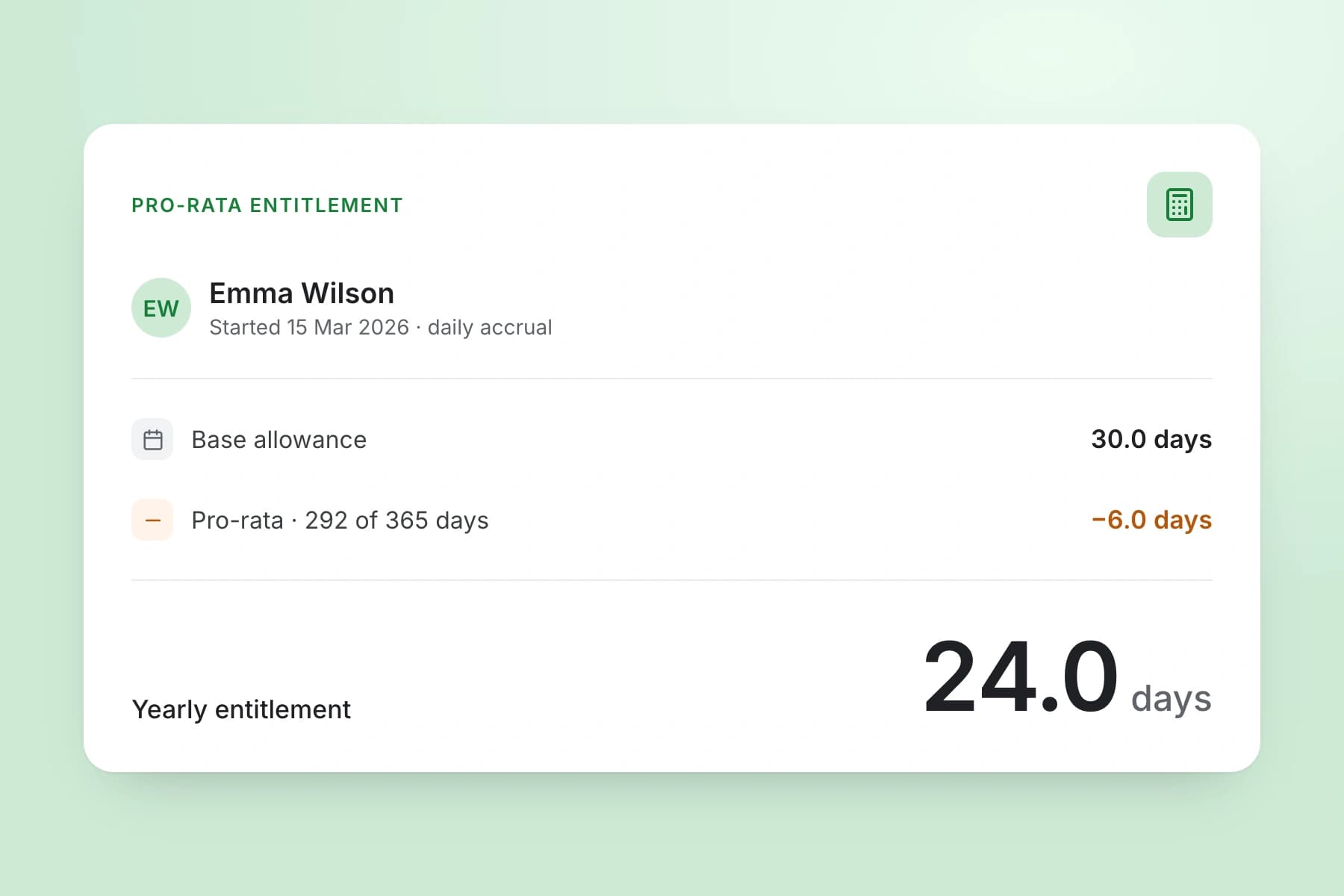
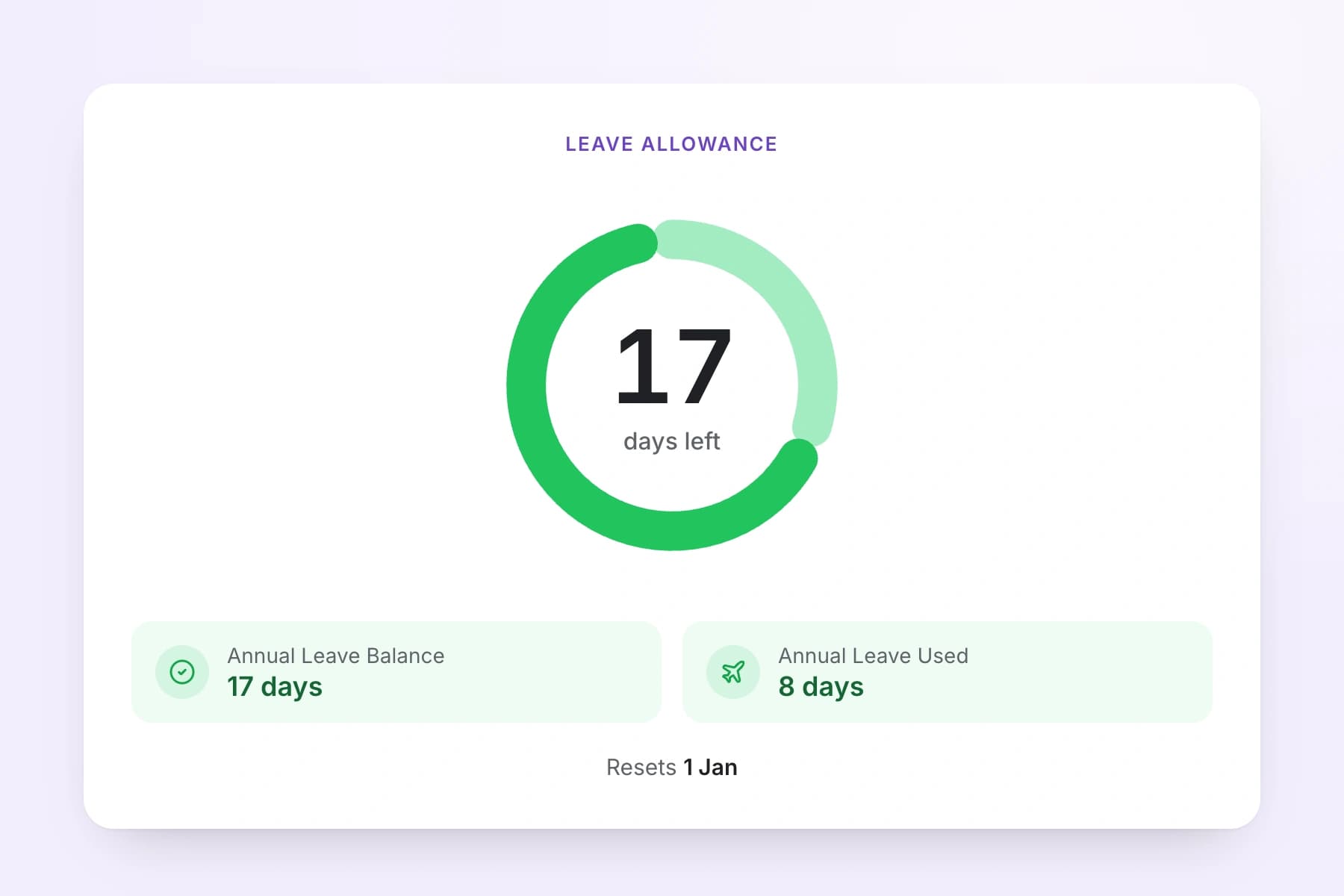
Set up once and TimeTally does the maths. Pro-rata for part-timers and mid-year starters, monthly accrual or upfront allocation, tracked in days, half-days or hours.
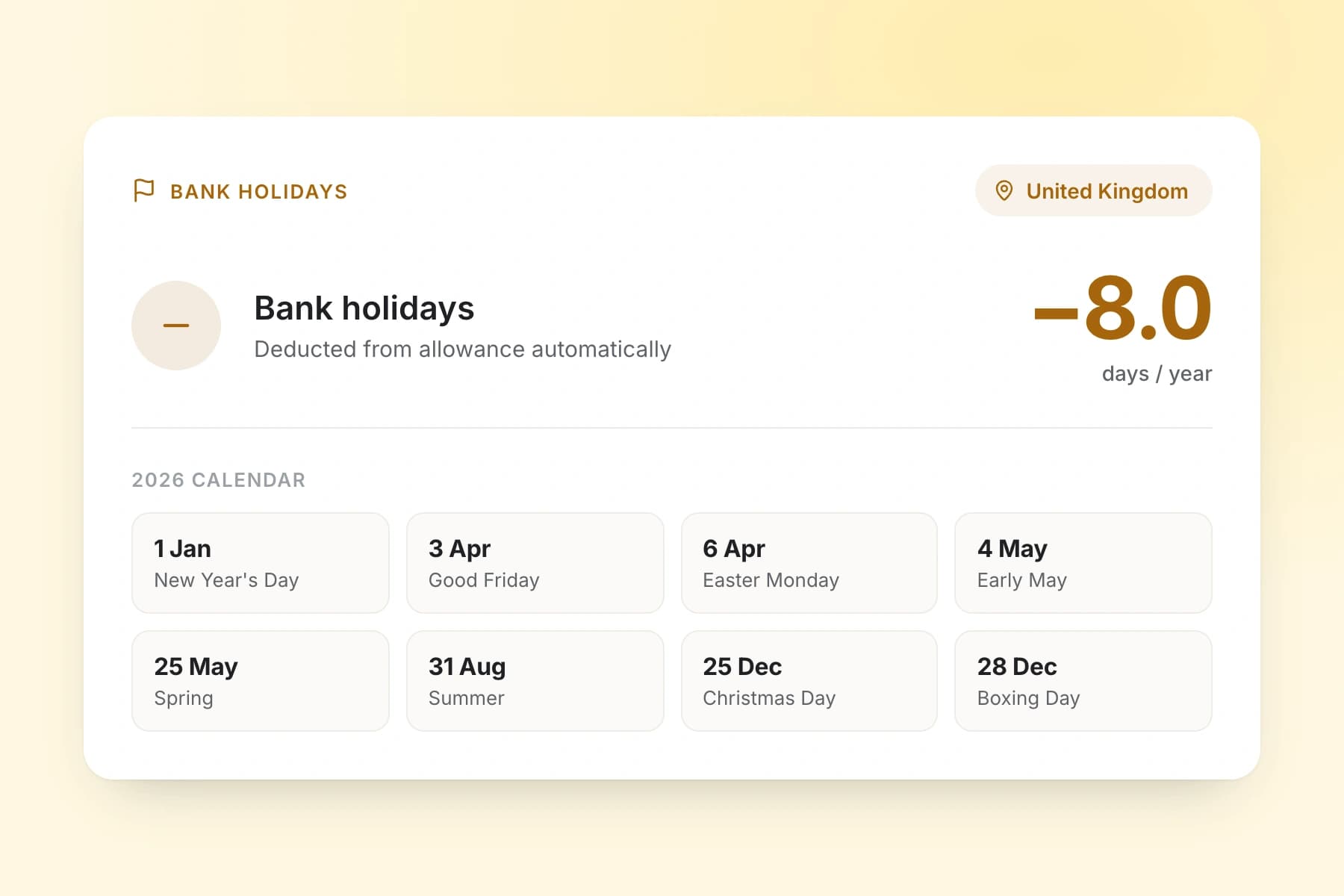
UK bank holidays are applied for you and taken off the allowance without anyone touching a spreadsheet — including pro-rata handling for part-time staff.
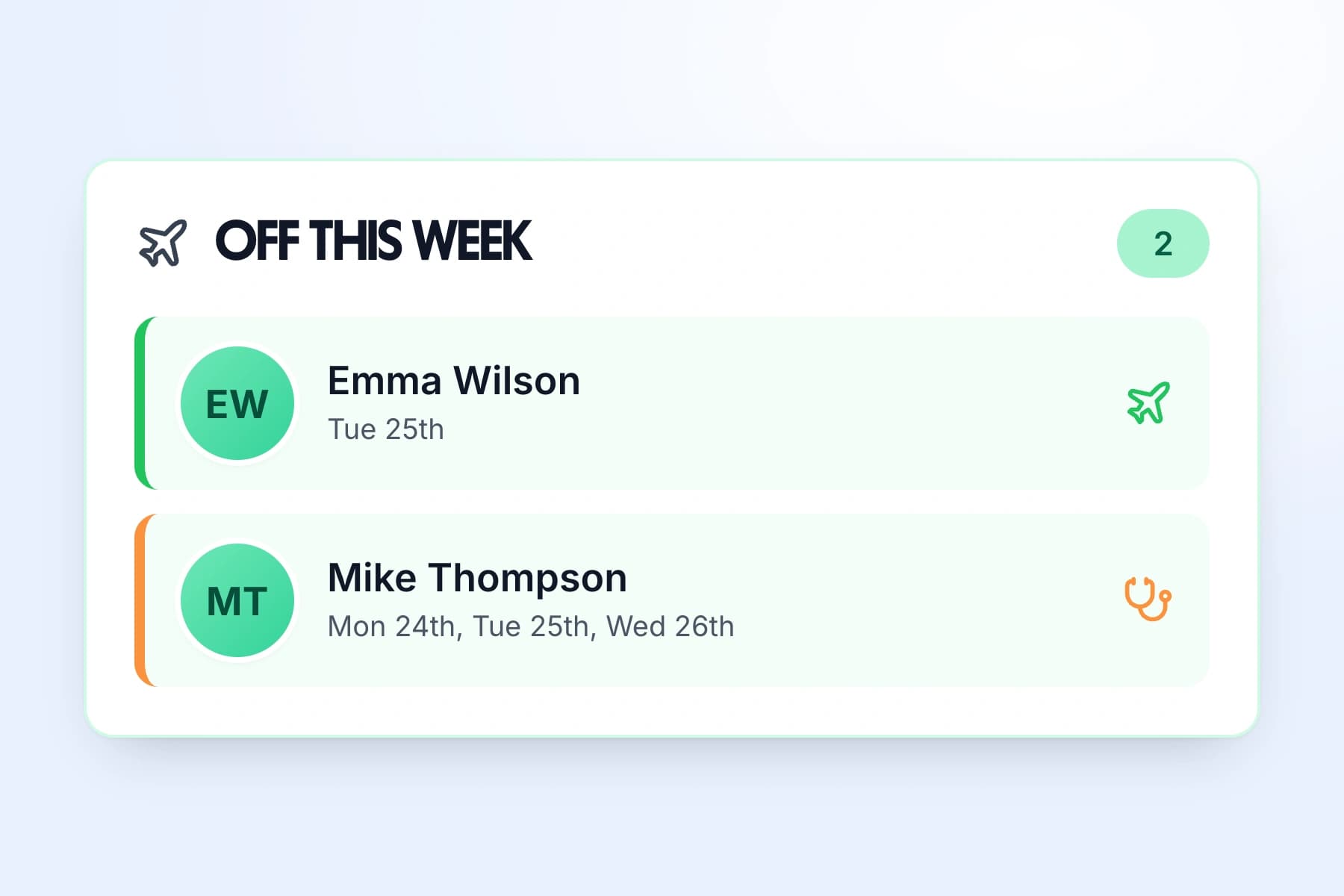
The team calendar shows approved leave across your whole organisation. Spot clashes before you approve — no more two people off at once. Block dates or set minimum staffing levels, with each leave type colour-coded.
Employees see their remaining days instantly. Balances update the moment a request is approved — carryover with optional caps and expiry dates, and custom leave years, not just April to March.
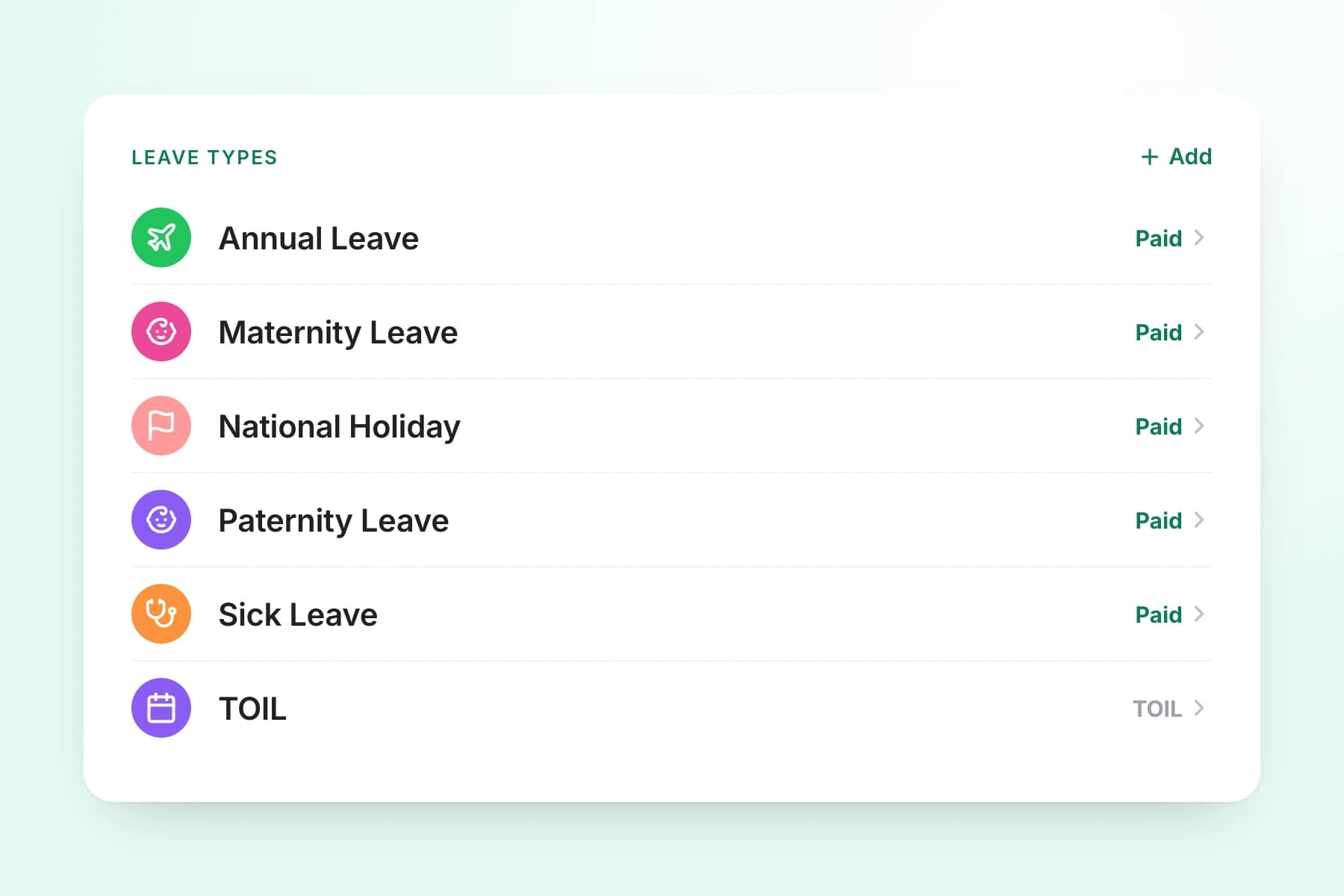
Annual leave, sick, parental, TOIL — or create your own. Each type has its own allowance, accrual rules, and approval flow.
Explore leave managementLeave tracking software
Tap a card to read the detail.
14-day free trial · No credit card needed
Real reviews from TimeTally customers
“Setup was dead simple and the team just got on with it. Got everyone up and running in an afternoon with no help needed. Does everything we need for timesheets and holidays without the faff.”
S.M.
“Has completely changed how I handle timesheets. Used to dread it every week — now it takes me minutes. Really easy to get around and my staff picked it up straight away.”
J.T.
“Started using it just for rotas but quickly realised it does loads more. The timesheets and leave management are great, and it even handles TOIL and overtime which I wasn't expecting. Use it for everything now.”
R.K.

One price. Every feature. No surprises.
Billed monthly. Cancel anytime.
A real person replies within 24 hours. No ticket queues, no bots.
A UK company, ICO regulated. Your data encrypted and never sold.
No. TimeTally is built so you can use whichever features suit your business. If you only need timesheet tracking, that works on its own. If you want leave management but no rota, that's fine too. Most businesses start with one feature and add others as they grow. All three are included in the same plan — there's no extra charge for enabling rota or leave.
Yes — TimeTally offers a free trial so you can explore all features before committing. No credit card is required to get started. After your trial you can move onto a paid plan at £3/user/month. Get StartedStart your free trial →
Yes — TimeTally has a native iOS app so employees can clock in, check their shifts, view leave balances, and submit requests from their phone. The app is available on the App Store. It also works fully in any mobile browser, so there's no requirement to download anything.
When you add an employee in TimeTally they receive an email invitation with a link to set up their account. The whole process takes seconds per person — just enter their name, email, and role. Once they accept the invite they can immediately start submitting timesheets, requesting leave, and viewing their rota.
Yes. TimeTally supports manager roles so you can give specific team members the ability to approve timesheets and leave requests, view team schedules, and manage rotas — without giving them full admin access to billing or company settings. You can have as many managers as you need.
TimeTally starts at £3 per user per month, which includes time tracking, leave management, and rota scheduling. There are no minimum seat requirements and no hidden fees. See full pricing →
TimeTally lets you export approved timesheet hours directly to Xero, QuickBooks, and Excel. This means once managers have approved the week's timesheets, you can send accurate hours to your payroll system in one click — no manual re-entry or copy-pasting required.
Yes. TimeTally supports pro-rata leave calculations for part-time employees and mid-year starters. You can set individual leave allowances per employee, configure monthly accrual or upfront allocation, and set carryover rules with optional expiry dates. Different employees can have different entitlements and leave year dates.
Yes — under the Working Time Regulations 1998, UK employers must keep adequate records of employees' working hours. HMRC can also request records to verify National Minimum Wage compliance. TimeTally stores all submitted and approved timesheet data automatically, creating a clear audit trail. Read the HMRC requirements guide →
Yes. The rota feature is designed for teams with changing weekly shifts — you can build rotas, assign shifts to employees, and publish them so staff are automatically notified. Employees can clock in and out from their phone, and hours are captured against the right shift. This works well for hospitality, retail, healthcare, and other sectors with variable hours.
Book a call with our team to see how TimeTally can simplify your time and leave tracking.
Book a DemoHave a question? We'd love to hear from you.
Monday – Friday
9:00 AM – 5:00 PM GMT
Need help getting set up?
Our team can guide you through
Calculators, guides, and software for UK employers
Track annual leave allowances, bank holidays, and employee holidays in one place
Track sick leave, Bradford Factor scores, and all absence types automatically
Track holidays, sick leave, TOIL, and all absences in one place
Submit timesheets, approve hours, and export to payroll from any device
Build and share staff rotas, manage shift patterns, and assign cover
Create, publish, and manage staff rotas online — with leave and TOIL built in
Download a free weekly rota template for Excel or Google Sheets — no signup needed
GPS clock-in and clock-out for hourly workers and remote teams
Automatically accrue, track, and manage time off in lieu from overtime
Track overtime hours accurately and calculate pay or TOIL automatically
Simple leave management built for UK small businesses — from £3/employee/month
Manage team holidays, approve requests, and prevent clashes automatically
Digital leave requests with one-click manager approvals and instant notifications
Accurate time tracking for payroll, client billing, and compliance
Time Tracking, holidays, payroll export, and compliance tools
Everything you need to know about choosing timesheet software
Calculate UK statutory holiday entitlement instantly
